For continuous, real-time display of your schedule, ensure your screen remains active and the schedule page refreshes automatically. To enable auto-refresh, install a Chrome extension designed for this purpose—several reliable options are available for example in the Chrome web store.
Once the extension is in place and you’ve set your preferred refresh interval, open the specific schedule view you wish to present and adjust the view settings as needed.
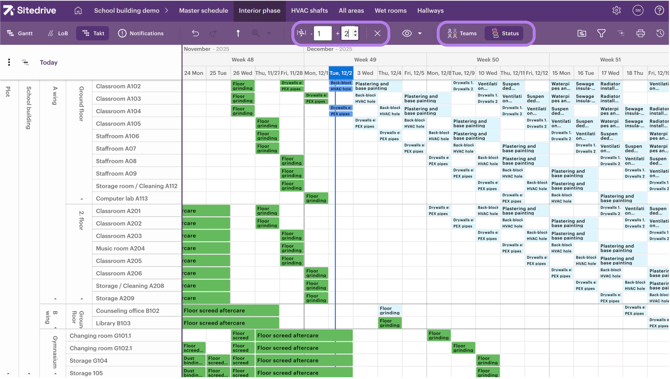
- Activate the Focus view to keep the schedule always focused on the current date.
- Zoom the schedule so that you see everything you want to see.
- Select team or status colours to fit your needs.