
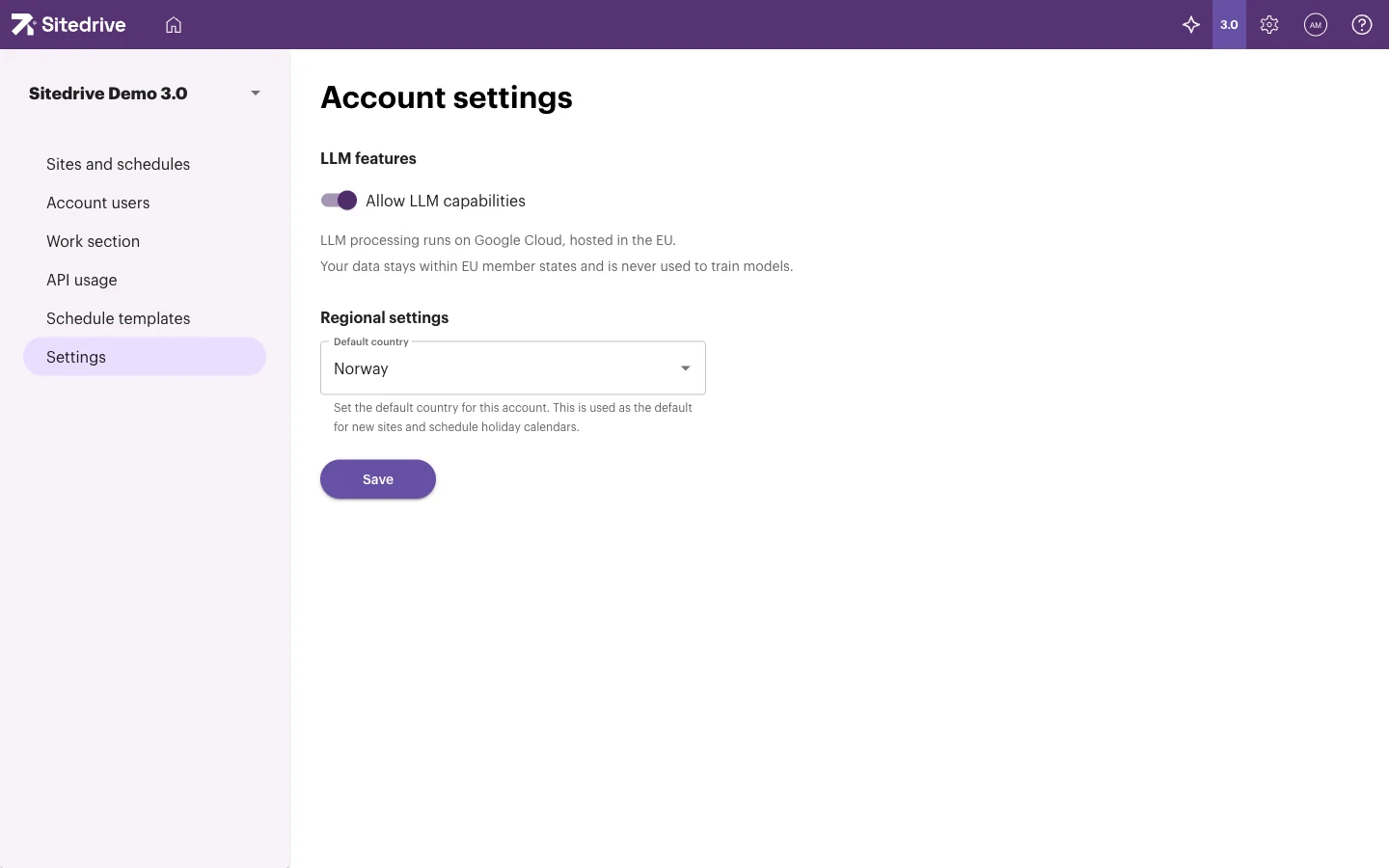
The Settings page in the account admin area holds settings that apply to the whole account: the default country for new sites, and whether AI (LLM) features may be used. Most accounts set these once, when they start using Sitedrive.
Before you start
- You need the Account admin role. See Roles and what each one can do.
Open the account settings
- Select the gear icon (System settings) in the top-right corner.
- Select Account settings.
- In the left menu, select Settings.
Set the default country
The default country is used as the starting value when someone creates a new site, and it decides which public holiday calendar new schedules get.
- Under Regional settings, open Default country.
- Choose the country.
- Select Save.
The setting is the default for sites and schedule holiday calendars created after you save. To change the holidays of an existing schedule, see Working time and holidays.
Allow AI features
Under LLM features, the Allow LLM capabilities switch decides whether Sitedrive may use a large language model (LLM) to process your account’s data. AI help is available only when an Account admin has switched it on. Today it is used when you create a schedule from an imported schedule file, for example to match the file’s columns and to infer locations and teams. See Creating a schedule.
The page states that LLM processing runs on Google Cloud, hosted in the EU, and that your data stays within EU member states and is never used to train models.
- Under LLM features, turn Allow LLM capabilities on or off.
The setting is saved straight away and you see “Settings saved”. There is no separate save button for this switch.
Good to know
- The account’s name, logo and language can’t be changed on this page. Each user chooses their own language from the user menu → Edit profile. See Signing in, browsers and language.
- Allow LLM capabilities does not affect AI assistants that people connect with their personal API key. Those always act with the person’s own rights. See API and AI assistant access.