
This release introduces a personal editing safeguard, expands Sitedrive's language support as we continue our Nordic expansion, and delivers significant improvements to the mobile experience.
New Features & Improvements
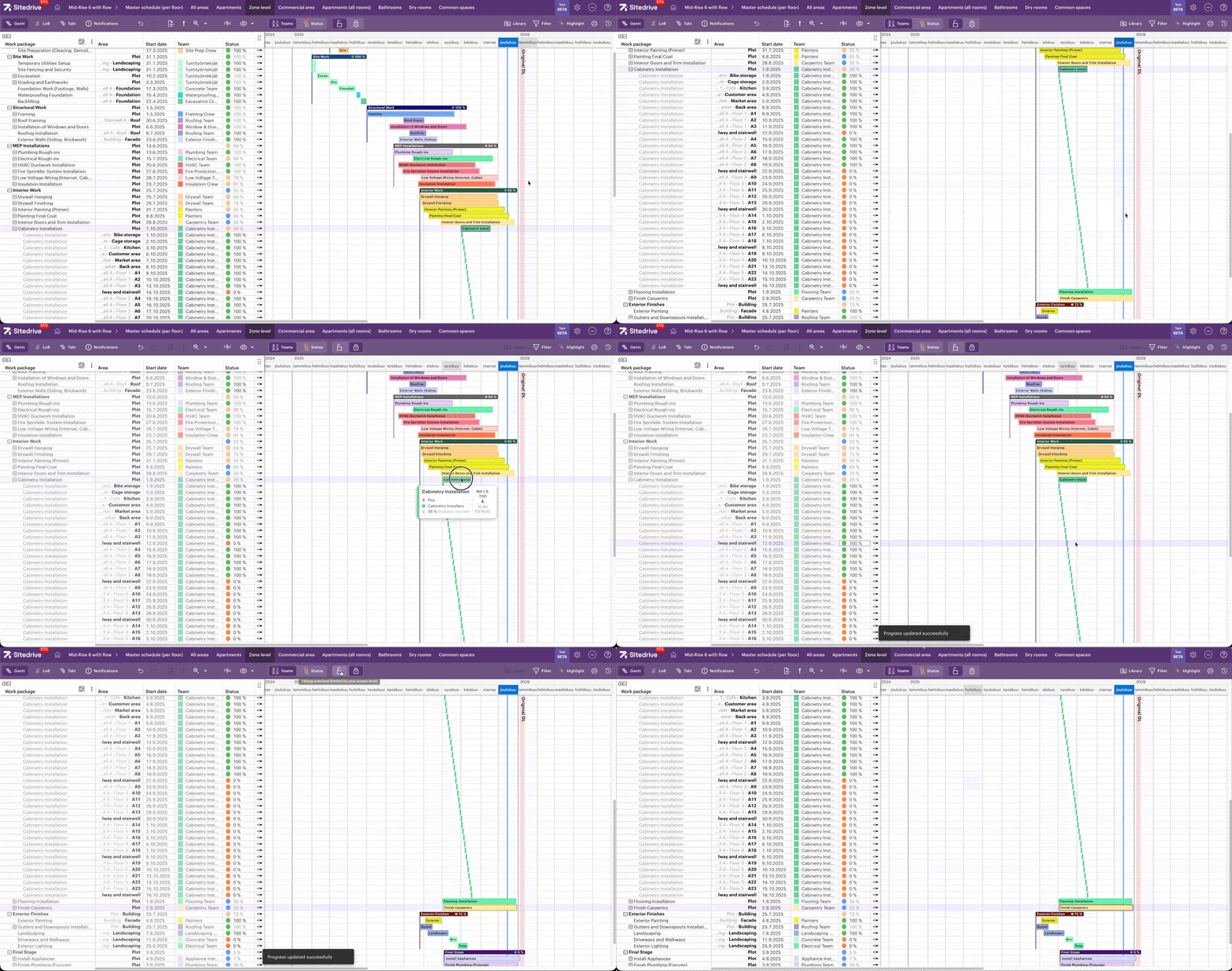
- Schedule Locking: You can now lock the schedule view to prevent yourself from making accidental edits. When enabled, the interface becomes read-only until you unlock it again. Look for the new lock icon in the toolbar to toggle this setting. This is useful when reviewing or presenting a schedule and you want to avoid unintended changes while navigating.
- Danish Language Support: Sitedrive is now available in Danish across both web and mobile applications. Users can switch to Danish in their language preferences. This addition supports our growing customer base in Denmark and rounds out our Nordic language coverage.
Mobile App
This release includes a substantial update to the Sitedrive mobile app with performance and usability improvements. These changes are available now at m.sitedrive.com, and the updated native app will be published to the App Store on January 13, 2026.
- Performance Improvements: We've rebuilt the app's data layer, resulting in faster loading and smoother performance throughout the application.
- Real-Time Presence: You can now see changes to the schedule in real time, powered by new server-sent events (SSE) support.
- Improved Offline Mode: More reliable handling when working without network connectivity.
- Schedule View Selector: The landing page now includes a schedule view selector for quicker navigation.
- Faster List Scrolling: Virtualized rendering for list tabs improves performance when browsing large datasets.
- Bug Fixes: Resolved various issues related to sync, data invalidations, media uploads, and comments.
Sneak Peek: Schedule View Renewal (Beta in January)
We're excited to start beta testing of the Schedule View Renewal — the major evolution we mentioned earlier. This comprehensive update reimagines how you create, navigate, and manage schedules in Sitedrive. Beta testing begins in January with select customers.
Here's some of what has been added in this release:
- Space Model Builder: A completely redesigned experience for creating and managing your location breakdown structure, including a new in-place editor and improved Define Areas dialog with multi-work-package support.
- Schedule View Pinning: Pin your most-used schedule views for quick access.
- Space Filtering: Filter schedule views by specific spaces to focus on the areas that matter.
- View Settings: Save and lock your individual view preferences per schedule.
- Redesigned Work Package Filters: A cleaner horizontal tab layout for filtering work packages.
- Performance Optimizations: Improved rendering for large schedules.
- Template Selection: Choose from templates when creating new schedules.
Interested in joining the beta? Reach out to your Sitedrive contact or email us at support@sitedrive.com.